

Free
€0For you and a small team, on every device.
- team members
- 3
- brokers per workspace
- 3
- workspaces
- 2
- templates
- 10
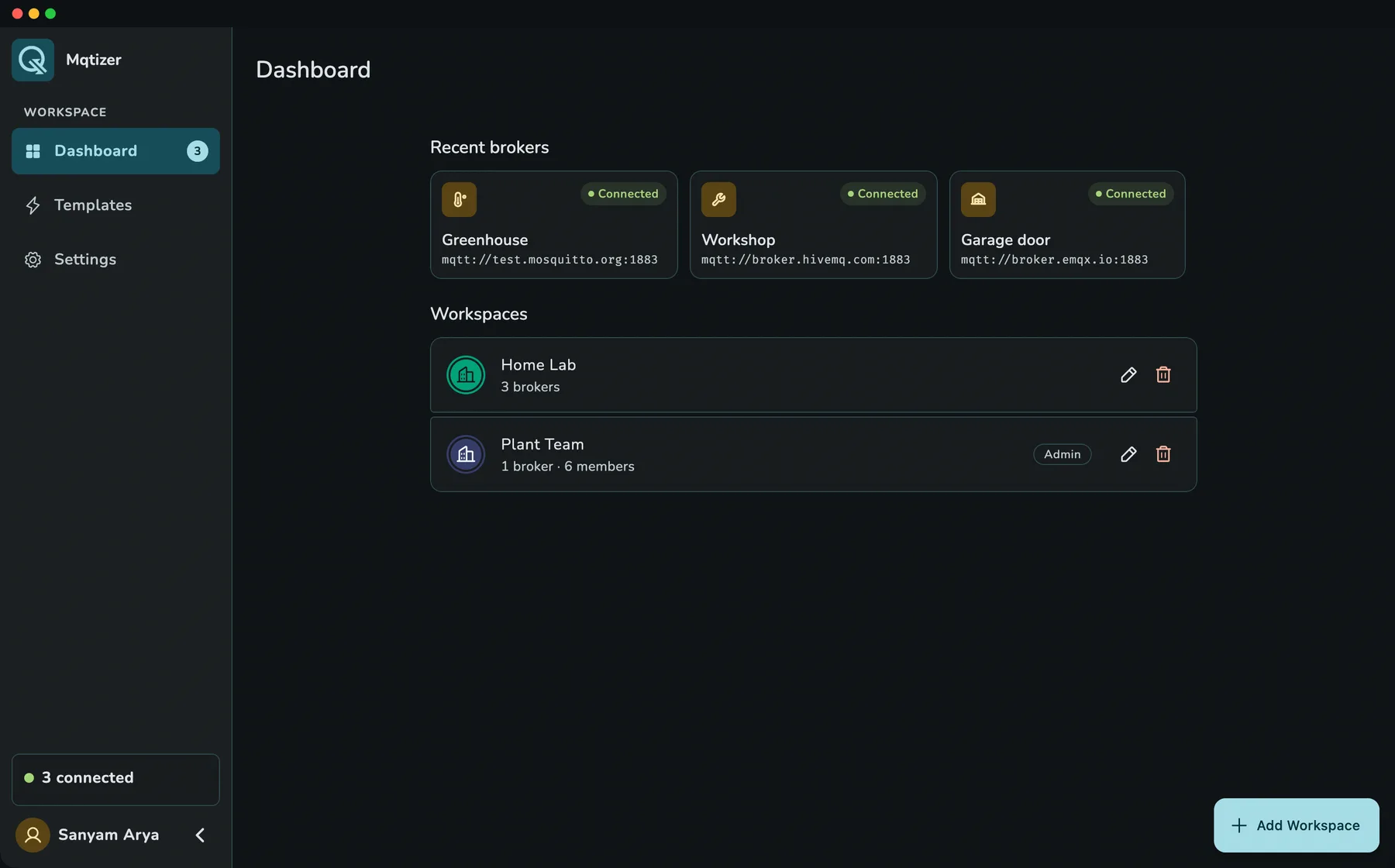
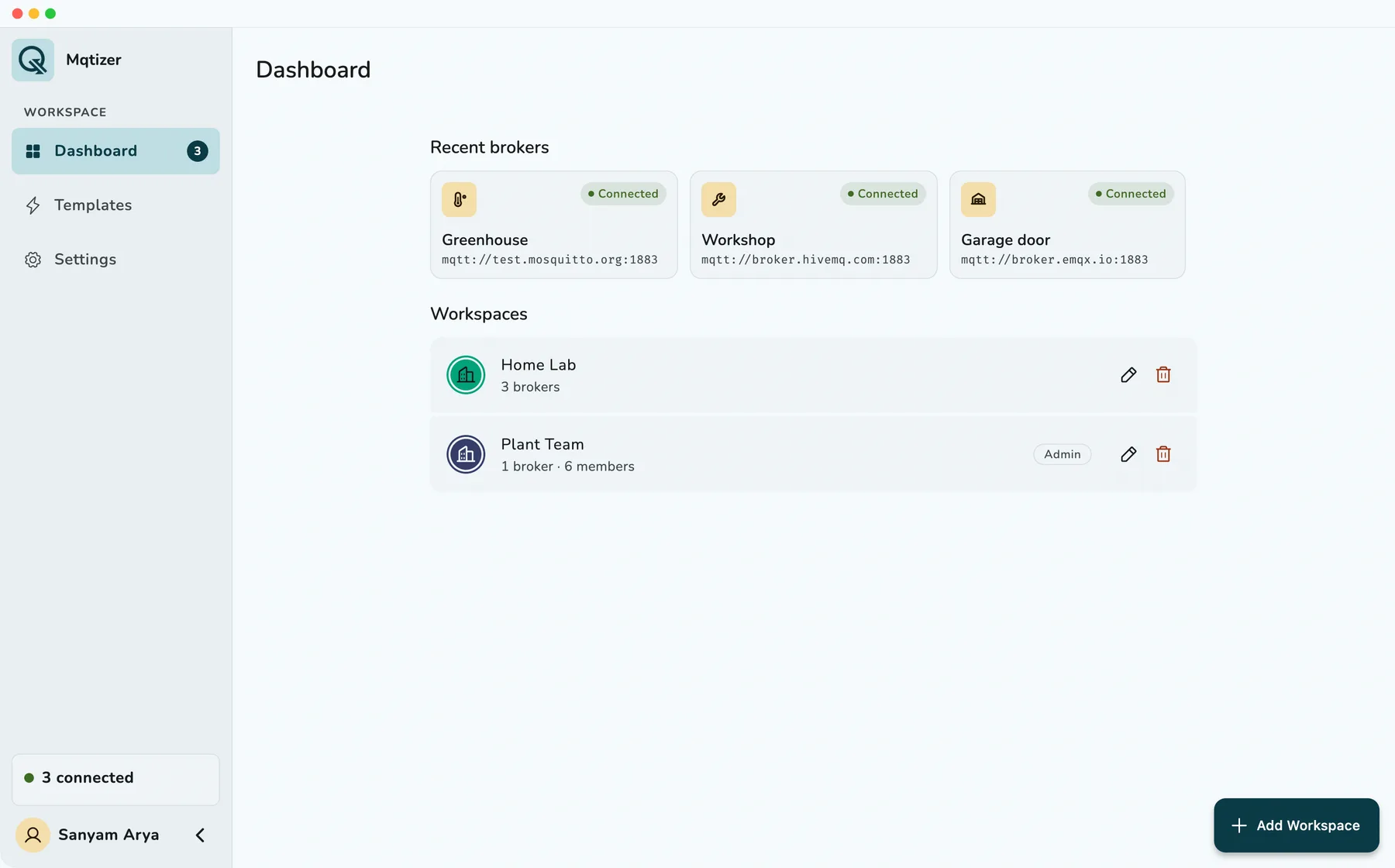
Ask Claude, Cursor or any AI assistant to set up your MQTT broker through MCP. Then publish, subscribe and test your IoT devices on iPhone, iPad, Android and Mac, with your whole team in one shared workspace.
One app, every device
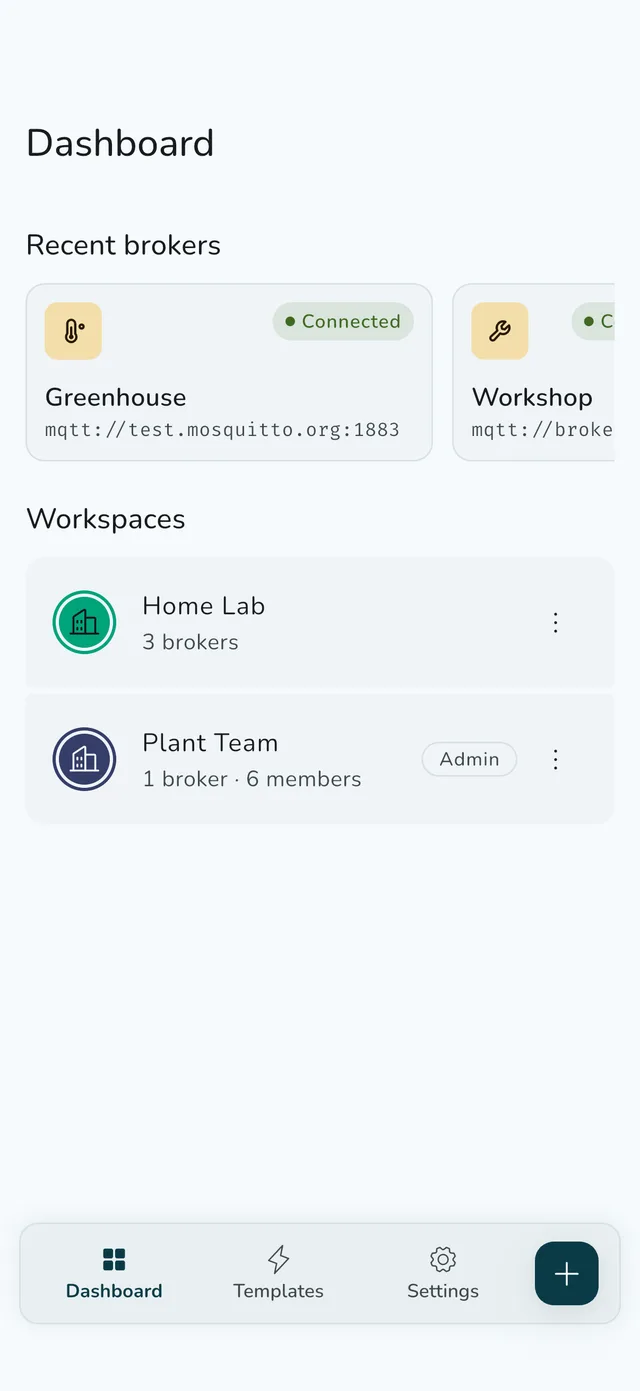
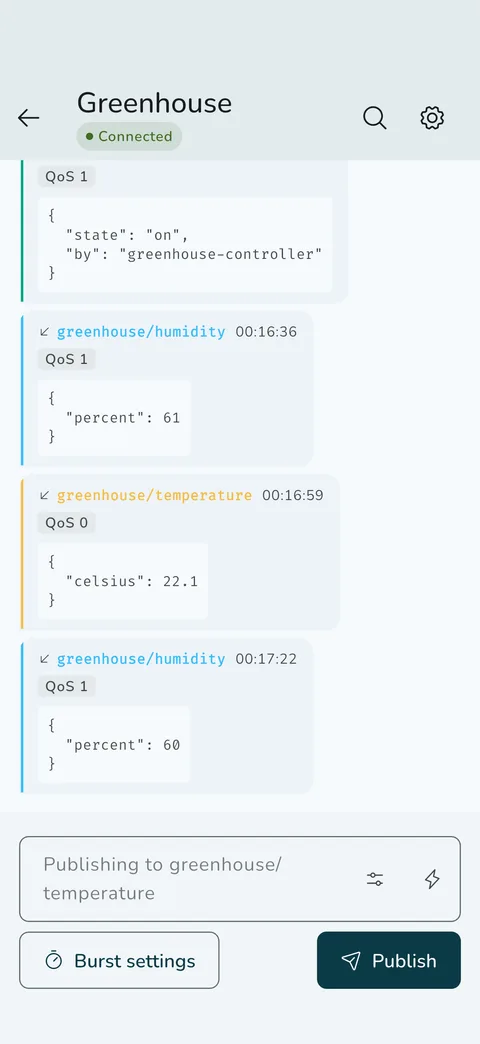
Connect to any MQTT broker, publish and subscribe live, reuse payload templates, invite your team and hand it all to your AI assistant over MCP.
How teams share brokers today
AI-native, through MCP
Mqtizer has its own MCP server, so Claude, Cursor or any MCP client can work with your MQTT setup. MCP is the open standard AI assistants use to talk to apps. Your assistant adds brokers, writes payload templates, subscribes to topics and tests connections, right from your computer.
Create it in the app, choose read or write, and revoke it whenever you like. It expires on its own.
The model only ever sees [redacted]. Credentials are used inside the server on your machine.
Workspace roles and plan limits apply to every change it makes.
Add our Site A gateway and a GPS heartbeat template, then check it connects.
Gateway is in Site A and connects over TLS. gps_heartbeat fills in live GPS from each phone. I only see the password as [redacted].
What your team sees
Every broker is saved in a shared workspace, with its host, certificates and topics. Your teammates open the app and tap Connect.
Testing and debugging
How your data stays safe
Passwords, keys and certificates are encrypted on your phone and on our servers, and only sent over HTTPS. Your MQTT messages never reach us: the app talks straight to your broker.
Encrypted on the device.
Encrypted before it is saved.
Your MQTT messages go straight here, over TLS when your broker offers it. They never reach us.
Built for daily work
Over TCP or WebSocket, with or without TLS, including your own CA and client certificates.
Your message log is saved on your device, never on our servers. It survives lost connections and app restarts.
iPhone, iPad, Android and Mac, with the same workspace on each.
On Android, your brokers stay connected while the app is in the background.
Export messages as text, JSON or CSV for a ticket, a teammate or a spreadsheet.
What it costs
Every feature is in every plan, MCP access included. The plans differ only in how much fits in them.
For you and a small team, on every device.
For teams with more sites, brokers and people.
Need room for a larger team now? Write to support@mqtizer.com
Good to know
Any broker that speaks MQTT 3.1.1 or 5.0 over TCP or WebSocket, with or without TLS. You can add your own CA, client certificates and a PKCS#12 bundle.
Yes. Mqtizer runs on iPhone, iPad, Android and Mac, and your workspace is the same on every one of them.
Yes, to start. The free plan covers 2 workspaces with 3 team members and 3 brokers each, and 10 templates, with every feature included. A Pro plan with higher limits is coming soon.
Invite them by email and give each person a role: admin, editor or member. They open the app and the workspace is already there.
Yes. Broker passwords, keys and certificates are encrypted on your phone and on our servers. The app talks to its backend over HTTPS, and brokers can use TLS with your own certificates.
Your message log is still there, even after you restart the app.
Yes. The Mqtizer MCP server connects Claude, Cursor and other AI clients to your workspaces with a token you create in the app. It can add brokers, edit templates and test connections, and broker passwords never reach the model.
No. As a guest you get one workspace with two brokers on one device. Sign in to share workspaces with your team and use them on your other devices.
Yes. Subscribe to topics with + and # wildcards, publish with QoS 0, 1 or 2, simulate a device with live sensor data from your phone, and fire a burst by count or duration to load-test the broker.
No. The app connects straight from your device to your broker, and the message log is saved only on that device. Our servers keep your workspaces, broker settings and templates, never your messages. Messages you read through the MCP server go to the AI assistant you connected.
Free to start on iPhone, iPad, Android and Mac.